Multi-channel product publishing & custom price lists per shop
Effortlessly connect your eCommerce store to the world’s largest marketplaces and shopping platforms. StoreLinkr provides seamless marketplace integration, enabling you to manage product listings, inventory, and orders from a single centralized hub.
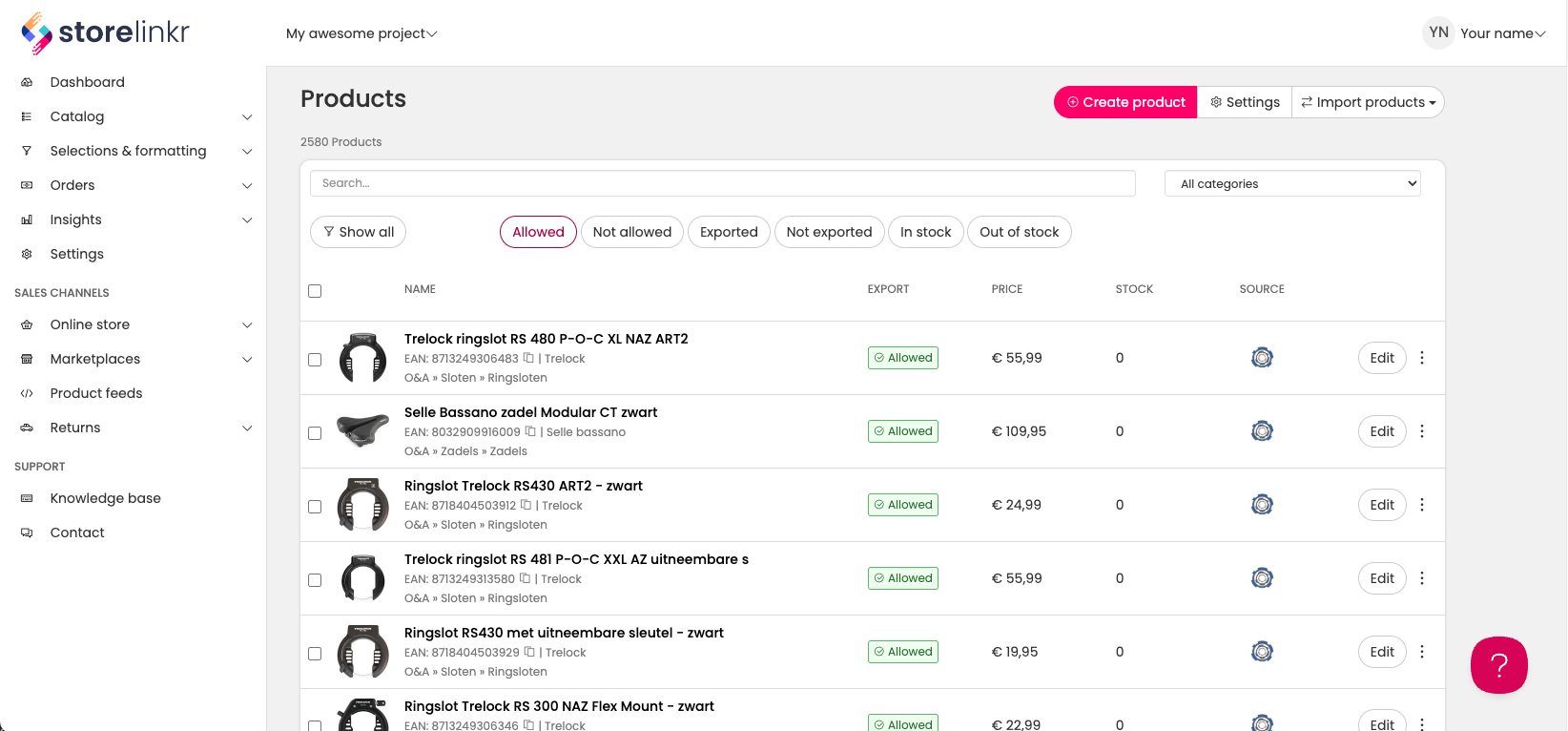
- Publish to multiple channels instantly
- Custom price lists per marketplace
- Centralized inventory management
Integrate with 70+ European marketplaces
One connection to sell everywhere: from bol and Kaufland to specialist fashion, home, DIY and book marketplaces. Find yours below.
Showing 73 of 73 marketplaces
-
 Bol
NL · BE
Bol
NL · BE
-
 Kaufland
7 countries
Kaufland
7 countries
-
 Allegro
4 countries
Allegro
4 countries
-
 Ebay
NL · BE · DE
Ebay
NL · BE · DE
-
 MediaMarkt
7 countries
MediaMarkt
7 countries
-
 Decathlon
4 countries
Decathlon
4 countries
-
 Leroy Merlin
5 countries
Leroy Merlin
5 countries
-
 XXXLutz
DE · AT
XXXLutz
DE · AT
-
 Carrefour
FR
Carrefour
FR
-
 El Corte Inglés
ES · PT
El Corte Inglés
ES · PT
-
 Douglas
6 countries
Douglas
6 countries
-
 Empik
PL
Empik
PL
-
 Conrad
6 countries
Conrad
6 countries
-
 Media Expert
PL
Media Expert
PL
-
 BAUHAUS
DE
BAUHAUS
DE
-
 Praxis
NL
Praxis
NL
-
 Alltricks
6 countries
Alltricks
6 countries
-
 ANWB
NL
ANWB
NL
-
 Auchan
FR
Auchan
FR
-
 AUTODOC
6 countries
AUTODOC
6 countries
-
 Black Red White
PL
Black Red White
PL
-
 Boekwinkeltjes
NL
Boekwinkeltjes
NL
-
 Books in Belgium
BE
Books in Belgium
BE
-
 Boulanger
FR
Boulanger
FR
-
 Brico
BE · LU
Brico
BE · LU
-
 Brico Dépôt
ES · PT
Brico Dépôt
ES · PT
-
 Bricomarché
FR
Bricomarché
FR
-
 BUT
FR
BUT
FR
-
 Carrefour España
ES
Carrefour España
ES
-
 Casa del Libro
ES
Casa del Libro
ES
-
 Castorama
FR · PL
Castorama
FR · PL
-
 Conforama
FR · ES · PT
Conforama
FR · ES · PT
-
 Cultura
FR
Cultura
FR
-
 Dr.Max
CZ
Dr.Max
CZ
-
 E.Leclerc
FR
E.Leclerc
FR
-
 ePRICE
IT
ePRICE
IT
-
 Fressnapf
DE
Fressnapf
DE
-
 Galeries Lafayette
FR
Galeries Lafayette
FR
-
 Happy Size
DE · AT
Happy Size
DE · AT
-
 home&you
PL
home&you
PL
-
 home24
DE
home24
DE
-
 HORNBACH
DE · CZ
HORNBACH
DE · CZ
-
 IBS.it
IT
IBS.it
IT
-
 INNO
BE
INNO
BE
-
 Jardiland
FR · ES
Jardiland
FR · ES
-
 Kiabi
6 countries
Kiabi
6 countries
-
 Kruidvat
NL
Kruidvat
NL
-
 La Poste
FR
La Poste
FR
-
 La Redoute
FR
La Redoute
FR
-
 LDLC
6 countries
LDLC
6 countries
-
 Leen Bakker
NL
Leen Bakker
NL
-
 limango
DE · AT
limango
DE · AT
-
 Maisons du Monde
4 countries
Maisons du Monde
4 countries
-
 Manor
CH
Manor
CH
-
 Mirakl
7 countries
Mirakl
7 countries
-
 MODIVO
PL
MODIVO
PL
-
 Obelink
NL · BE · DE
Obelink
NL · BE · DE
-
 PcComponentes
ES · PT
PcComponentes
ES · PT
-
 Place des Tendances
FR
Place des Tendances
FR
-
 Planeta Huerto
ES · PT
Planeta Huerto
ES · PT
-
 Rue du Commerce
FR
Rue du Commerce
FR
-
 Sarenza
FR
Sarenza
FR
-
 Shop Apotheke
DE · AT
Shop Apotheke
DE · AT
-
 Showroomprivé
4 countries
Showroomprivé
4 countries
-
 Sprinter
ES · PT
Sprinter
ES · PT
-
 Tiendanimal
ES
Tiendanimal
ES
-
 Truffaut
FR
Truffaut
FR
-
 Vente-unique
9 countries
Vente-unique
9 countries
-
 Vertbaudet
FR
Vertbaudet
FR
-
 voelkner
DE
voelkner
DE
-
 vtwonen
NL · BE
vtwonen
NL · BE
-
 Worten
PT
Worten
PT
-
 zooplus
DE · FR
zooplus
DE · FR
No marketplace found. Try another search, category or country.
Multi-channel product publishing
Publish your products everywhere effortlessly
Connect all your webshops and marketplaces and publish your catalog instantly. Multi-channel product publishing keeps products, stock, and content consistent across all channels.
One dashboard for all channels
View and manage all connected webshops and marketplaces from a single overview.
Automatic synchronization
Changes in product data, stock, or content are propagated instantly to all connected channels.
Add new channels quickly
Easily add new webshops or marketplaces without technical expertise.
“We connected all our shops and marketplaces in one afternoon — updates just work automatically.”


Create product selections & multi-publish
Choose which products go where
Build product selections for specific channels and publish the same product to multiple shops with a single click.
Product selection rules
Filter products by category, brand, or custom attributes to define which products are published to which channels.
Multi-shop publishing
Publish the same product to multiple shops or marketplaces simultaneously with a single export.
Maintain consistent data
Keep product content, stock, and images consistent across all channels even when publishing selectively.
“Managing product selections and publishing across multiple shops has never been easier.”
Custom price lists per shop
Set unique prices for each channel
Assign multiple price lists per product and link them to specific exports. This allows you to sell the same product at different prices across shops while using the same product data.
Multiple price lists
Create multiple price lists per product for different shops or channels.
Link prices to exports
Assign price lists to specific export tasks so each shop uses the correct pricing automatically.
Maintain product consistency
Even with different price lists, product content, stock, and media remain consistent across all channels.
“We now control prices per shop while keeping all product data consistent — it saves a ton of manual work.”